 Drachma
Statement import
Import your statement, see where the money went
Give Drachma the card or bank statement you download each month. Installments and subscriptions show up on their own, and a card payment is left out so it isn’t double counted. The file is read on your phone, so you never link your bank.
Read on your phone, no bank login · Free on Android and iOS
Three steps
- Download your statement. Save it from your bank’s app or online banking, or from an e-statement email, as a PDF or Excel file. How to budget from your statement walks through it.
- Give it to Drachma. Tap + and choose “Import from a file”, or share the file to Drachma straight from your email.
- Check and save. You see every row before it’s saved and skip anything you don’t want.
What it sorts out while it reads
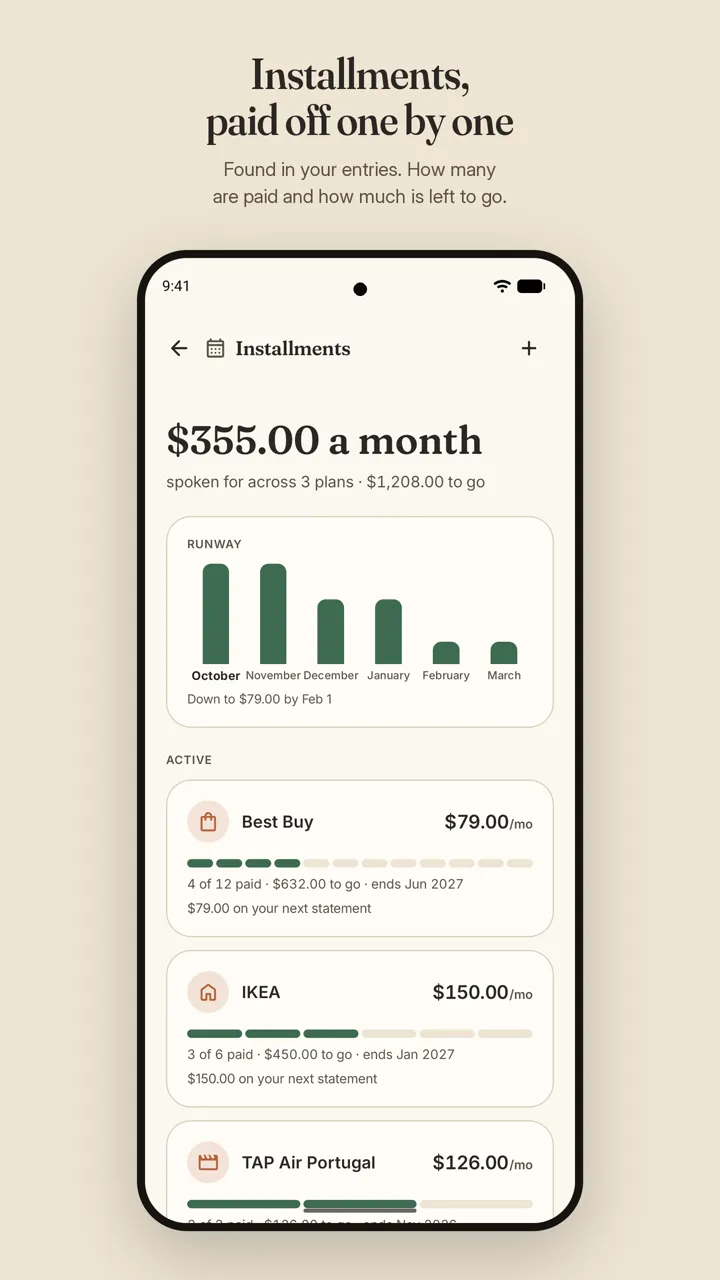
- Installments. Rows like “2/6” are recognised and collected under Installments, so you know what the coming months already owe.
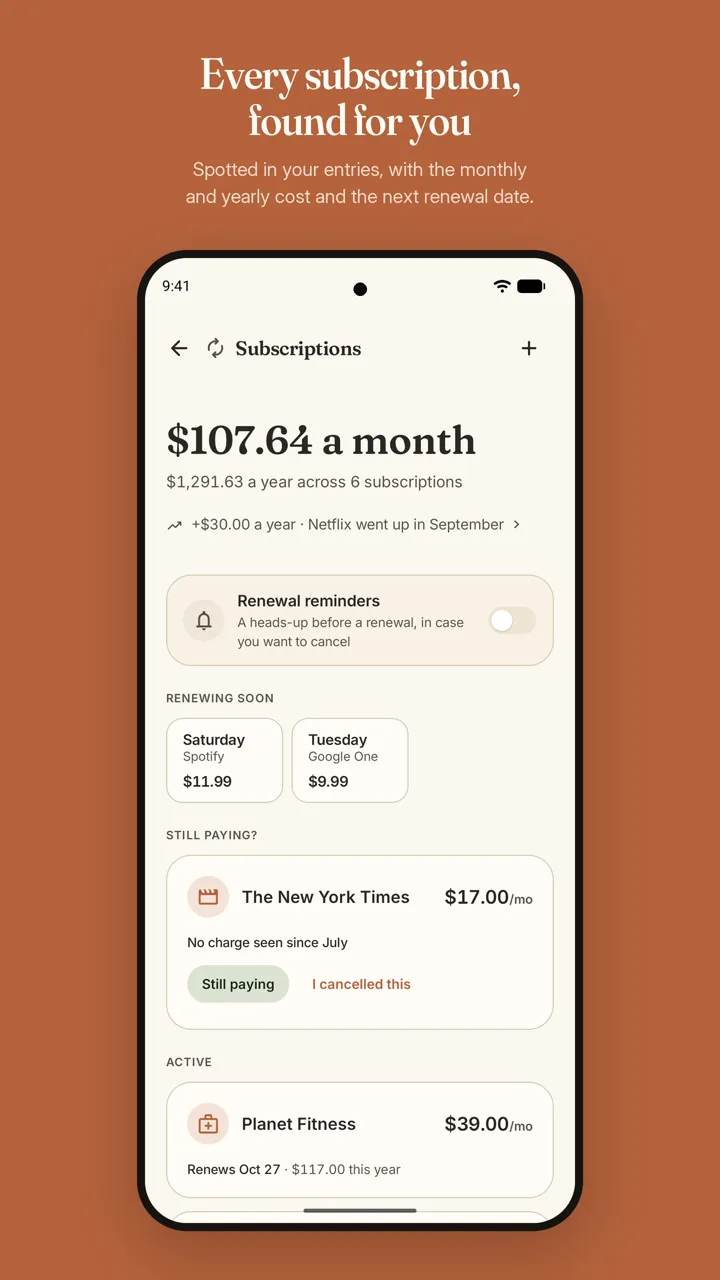
- Subscriptions. Charges that repeat every month show up under Subscriptions.
- Card payments and points. They aren’t counted as spending. On an account statement, the card bill payment is left out too, so importing both statements doesn’t double count your purchases.
- Categories. Shops you’ve logged before arrive with their category; changing one is a single tap.
- Locked PDFs. A password-protected statement opens on your phone, and the password isn’t stored.
Which banks?
Drachma doesn’t rely on one bank’s layout. It finds the date, description and amount columns by their headers, so one feature works across many banks. Statements it has been tested with:
| Country | Tested statements |
|---|---|
| Türkiye | Garanti BBVA, İş Bankası, Ziraat Bankası and Enpara credit card statements; İş Bankası and Ziraat Bankası account statements. Also reads Akbank Axess statements. |
| Brazil | Nubank, Itaú, Bradesco and Caixa card bills; Santander and Agibank current accounts. |
| Netherlands | ABN AMRO current account. |
| Germany | Sparkasse current account. |
| France | Société Générale current account. |
From any other bank, a text PDF or an Excel download usually works too. If yours doesn’t read, write to [email protected].
Questions
Do I have to link my bank?
No. Drachma never connects to your bank or asks for your banking password. You download the statement from your bank’s app, and Drachma reads that file on your phone.
Which files can it read?
PDF statements from your bank whose text you can select. Excel (XLS, XLSX) downloads read too. Password-locked PDFs open too. Scanned PDFs are read on your phone with text recognition too; a PDF straight from your bank gives the cleanest result.
Can I import my current account statement too?
Yes. Drachma works with both card and account statements. On an account statement it separates income such as your salary from spending, and the line where you pay your card bill isn’t counted as new spending.
Is it free?
Yes. The Free plan includes 30 receipt scans and 5 statement imports in total, and logging by hand is always unlimited. Plus gives you unlimited receipt scans and statement imports. Backup and export stay free.
Where does my data go?
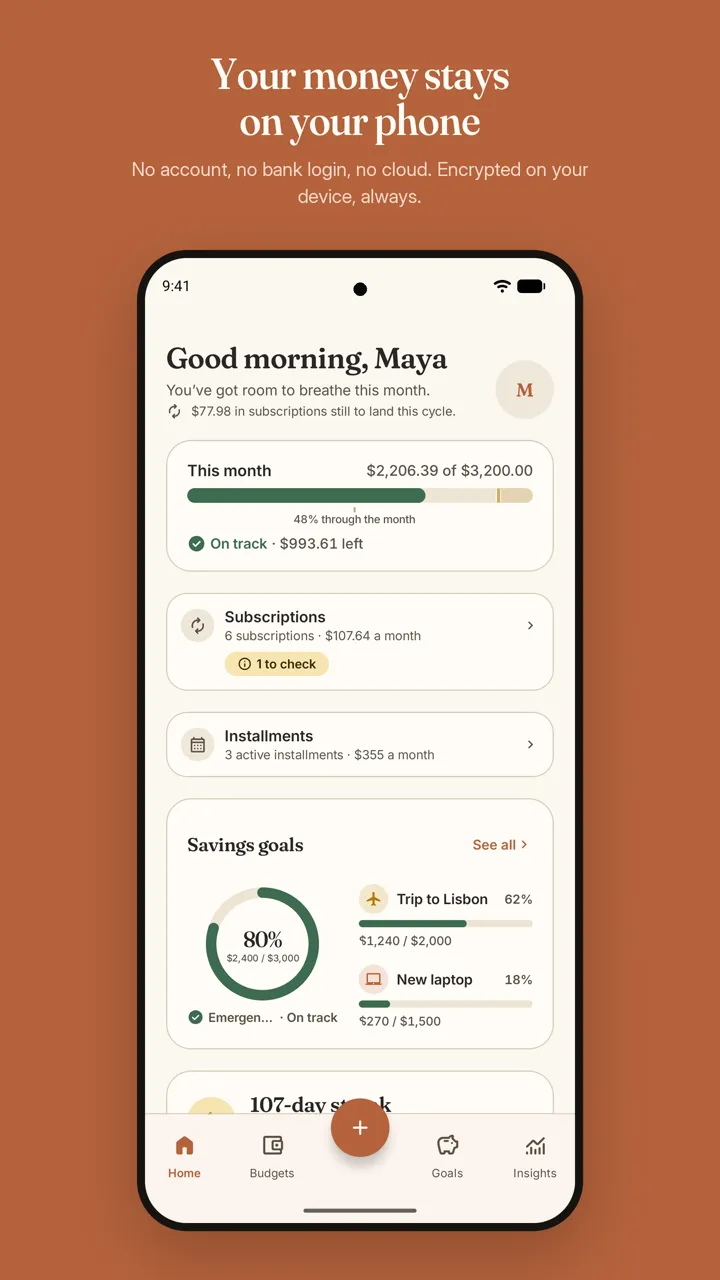
Your statement and the money data in it stay on your phone. The file is read on the device, never uploaded, and you don’t need an account. Crash reports and anonymous usage counts are optional; amounts, merchant names and statement content never go into them, and you can switch both off in Settings. Details are in the privacy policy.
Start with this month’s statement
Get Drachma, choose “Import from a file”, and see your installments and subscriptions on your phone. The Free plan includes 30 receipt scans and 5 statement imports in total.
Get Drachma freeDrachma is an independent app and isn’t affiliated with any bank named here.